


Description
Download Secure VPN Safer Faster Internet – secure vpn, fast internet, privacy tool, free vpn, encrypted connection, online safety, internet security, secure browsing, data protection, private network
Overview
Secure VPN Safer Faster Internet is a desktop security tool developed by Signal Lab, designed to enhance online privacy and protect user data across both private and public networks. The software functions as a virtual private network (VPN) service, enabling users to browse the internet securely through high-grade encryption protocols. Its primary purpose is to safeguard personal information, ensuring that sensitive data remains confidential during online activities such as banking, social media use, and streaming. The application targets a broad audience, including casual internet users, remote workers, and privacy-conscious individuals who prioritize digital safety. While the developer is identified as Signal Lab, no further background on the company’s history or reputation is available. The software operates as a desktop application for both Windows and Mac platforms, offering a convenient solution for users seeking to maintain anonymity and secure connections. Real-world usage scenarios include accessing geo-restricted content, protecting data on public Wi-Fi, and minimizing tracking by third parties. The application supports unlimited bandwidth and usage time, allowing uninterrupted access for gaming, video streaming, and general browsing without imposed limitations.Key Features & Capabilities
- High-Grade Encryption: The software uses advanced encryption to secure data transmissions, protecting users from potential eavesdropping and cyber threats on untrusted networks.
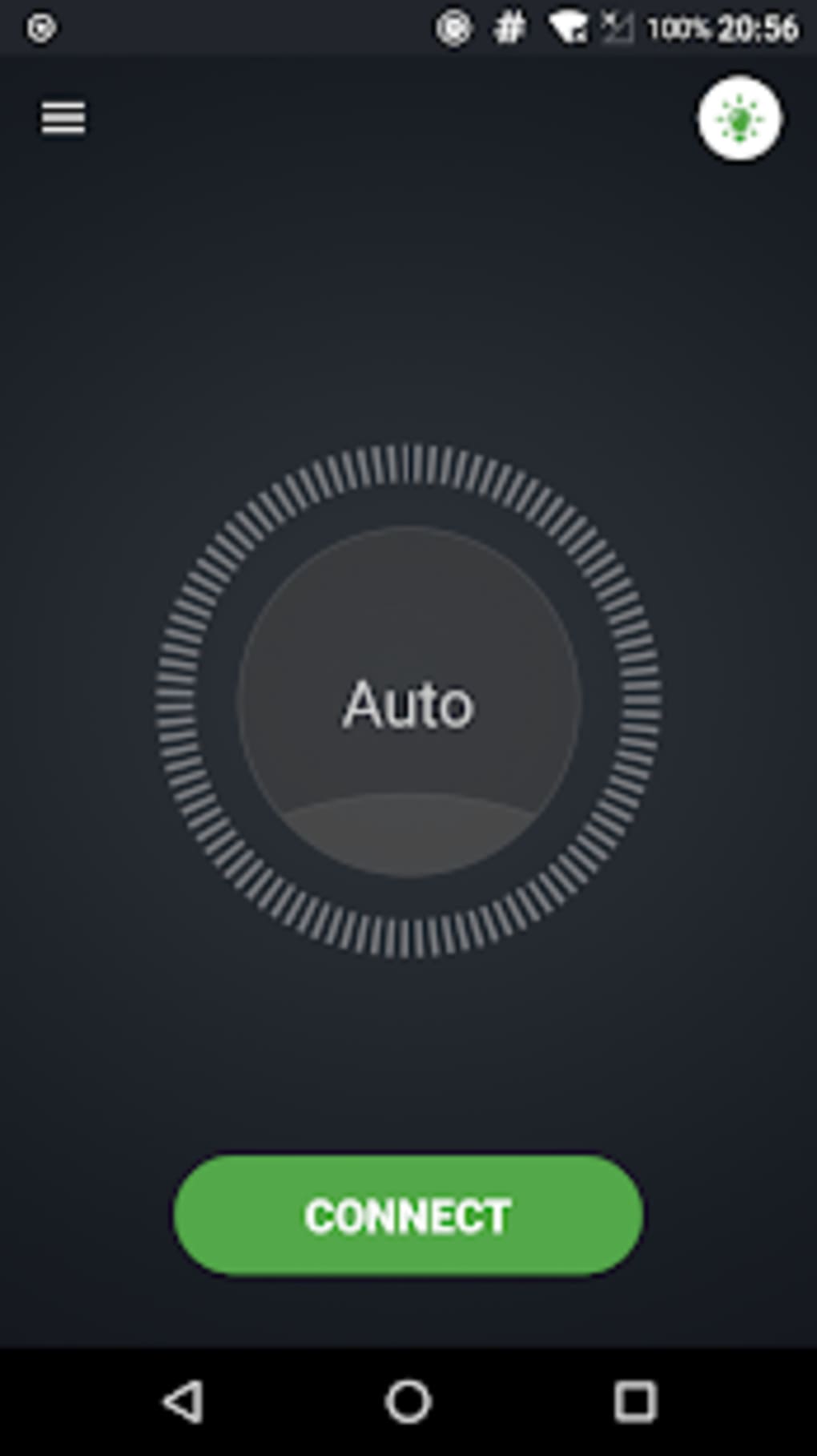
- Automatic Connection: Users can enable automatic server connection upon launching the application, streamlining the setup process and ensuring consistent protection.
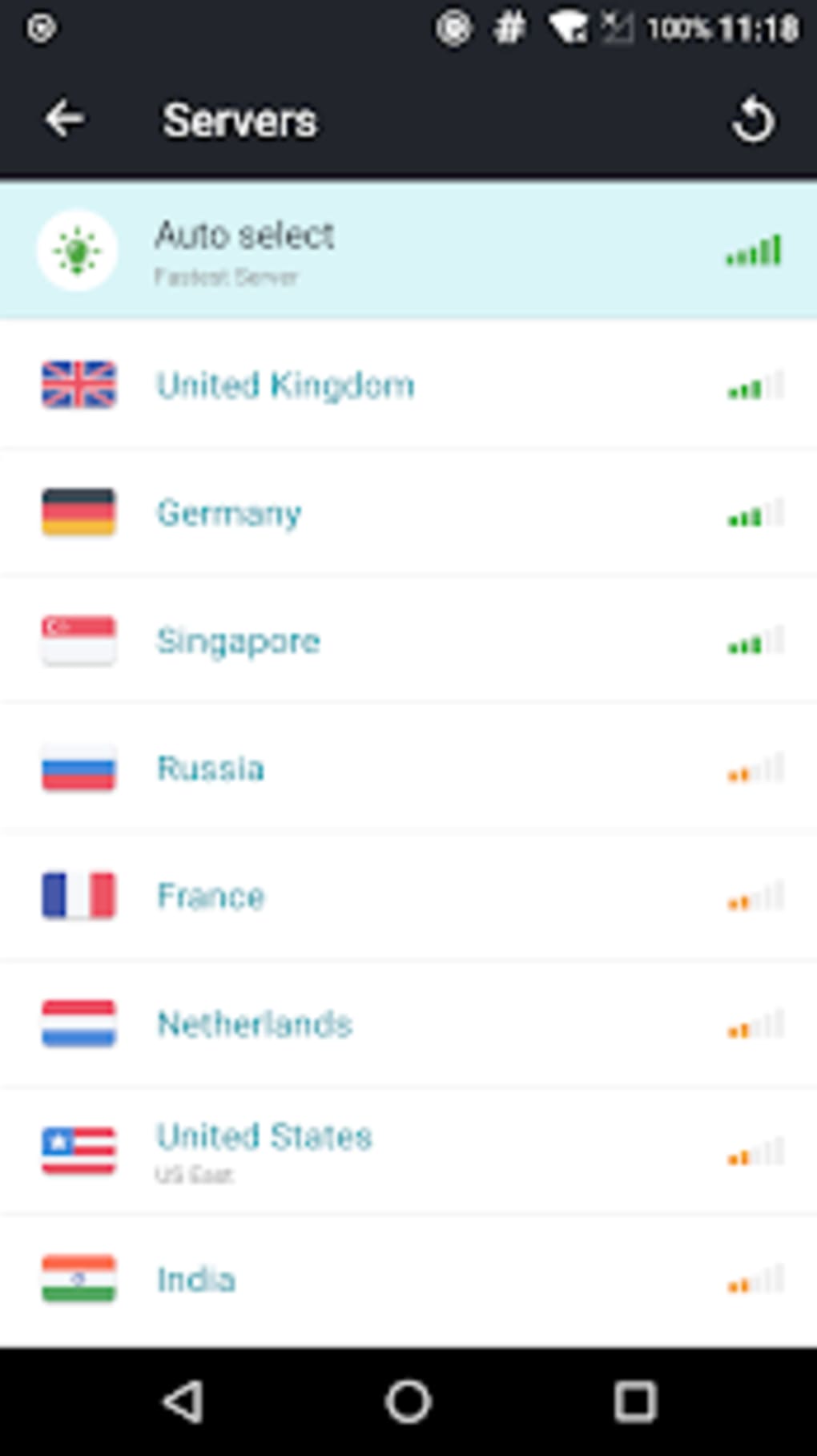
- Server Preference Saving: The tool remembers the last-used server, allowing for quick reconnection without the need to manually select a location each time.
- App-Level Traffic Control: A dedicated section lets users selectively grant or restrict the VPN’s access to specific applications, enhancing control over network activity.
- No-Logging Policy: Secure VPN claims to maintain a strict no-logging policy, ensuring that user activity is not recorded or stored during active sessions.
- Premium Subscription Access: A paid tier unlocks additional servers and advanced features, such as the ability to remain connected even after device shutdown.
- Single-Tap Server Connection: The intuitive interface allows users to connect to a preferred server with one tap, improving usability for beginners.
User Interface, Workflow & Performance
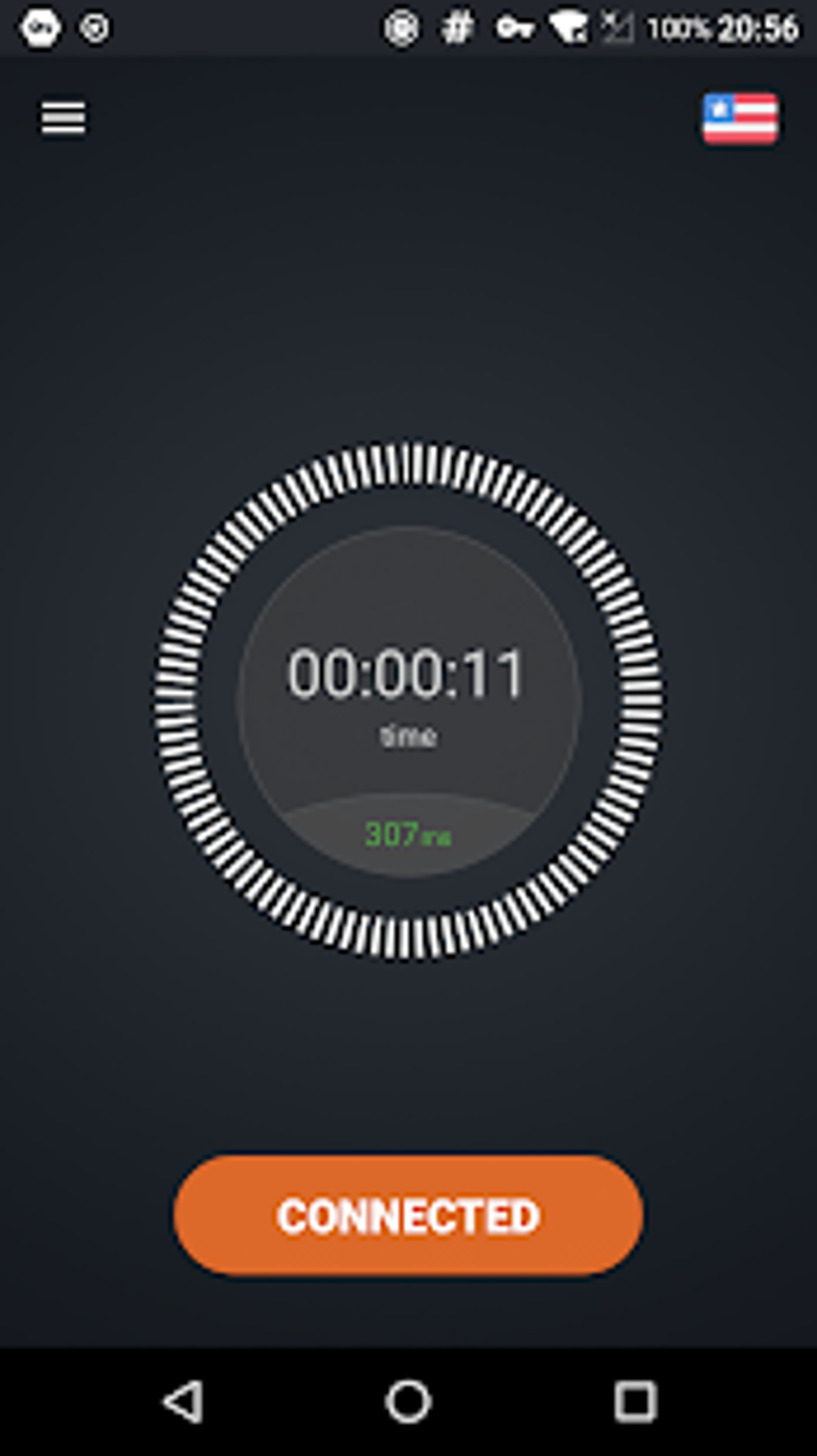
The user interface of Secure VPN Safer Faster Internet is designed with simplicity in mind, featuring a clean layout and minimalistic navigation. Users can access core functions—such as connecting to a server, managing app permissions, and viewing connection status—through clearly labeled buttons and menus. The workflow is streamlined, with minimal steps required to initiate a secure session. The single-tap connection feature significantly reduces friction, especially for users unfamiliar with VPN technology. While the developer did not specify resource usage details, the application’s 45.6 MB size suggests a lightweight footprint. Performance observations are based on general software behavior patterns; the software is expected to maintain stable operation during typical usage. However, users have reported occasional unexpected disconnections, which may require manual reconnection. This could impact uninterrupted use during critical tasks. Some users also noted difficulty closing advertisements, as the exit button requires extra force to register. These usability issues may affect the overall user experience, particularly during extended sessions. The software’s stability appears consistent under normal conditions, though real-world performance may vary depending on network conditions and system configuration.Compatibility & System Requirements
Secure VPN Safer Faster Internet is compatible with both Windows and Mac operating systems, making it accessible to a wide range of desktop users. The software version is 2.1.0, released on March 15, 2024. The installation size is 45.6 MB, indicating a compact download and minimal storage footprint. Exact system requirements were not listed by the developer, so users should ensure their system meets general standards for running desktop applications. Compatibility information was partially provided, and no specific hardware specifications were included. The developer did not provide additional system requirements. Users are advised to verify their system’s ability to support the application before installation. The software is intended for desktop environments and is not designed for mobile or tablet platforms.Pros and Cons
Pros
- High-grade encryption for secure data transmission
- Simple, intuitive interface suitable for beginners
- Automatic connection on launch for continuous protection
- Unlimited bandwidth and usage time
- Supports selective app-level traffic control
- No-logging policy enhances privacy
- Single-tap server connection for convenience
- Server preference saved for quick reconnection
Cons
- Occasional unexpected disconnections reported
- Ads can be difficult to close, requiring extra force
- Exact system requirements not specified
- Performance under heavy load not documented
- Premium features require a paid subscription
FAQ Section
Is Secure VPN Safer Faster Internet compatible with my operating system?
The software is designed for Windows and Mac operating systems. Users should confirm their system meets general desktop application requirements.
Is the software free to use?
Secure VPN Safer Faster Internet offers a free version with core features. A premium subscription is available for additional servers and advanced functionality.
Does the software track my online activity?
According to the developer, the software implements a no-logging policy, meaning it does not record or store user browsing activity while connected.
Can I use Secure VPN offline?
The software requires an active internet connection to function. It cannot operate in offline mode, as it relies on server connectivity for secure browsing.
How often are updates released?
Updates are released periodically to improve performance and security. The latest version is 2.1.0, released on March 15, 2024.
Final Thoughts
Secure VPN Safer Faster Internet presents a compelling option for users seeking a straightforward, secure desktop solution for online privacy. Its clean interface, automatic connection features, and no-logging policy make it particularly suitable for individuals new to VPN technology. The ability to connect to servers with a single tap and save preferences enhances usability, while the unlimited bandwidth supports diverse online activities. Despite minor drawbacks such as occasional disconnections and ad-related interface challenges, the software maintains a strong balance between functionality and security. The premium subscription model offers a path to enhanced features, though the free tier remains robust. For those prioritizing data protection, secure browsing, and ease of use on Windows or Mac, this application stands out as a reliable choice. Download Secure VPN Safer Faster Internet now.Guides & Tutorials for Secure VPN Safer Faster Internet APK
How to install Secure VPN Safer Faster Internet APK
- Click the Preview / Download button above.
- Once redirected, accept the terms and click Install.
- Wait for the Secure VPN Safer Faster Internet APK download to finish on your device.
How to use Secure VPN Safer Faster Internet APK
This software is primarily used for its core features described above. Open the app after installation to explore its capabilities.
User Reviews for Secure VPN Safer Faster Internet APK 0
No reviews found





